Design A Coloring Page: Your Complete Guide to Creative Fun
Have you ever wanted to create something truly personal, relaxing, and fun? Learning how to design a coloring page is a fantastic skill that allows you to tap into your creative side while producing something enjoyable for others (or yourself!). Coloring is no longer just for kids; it is a globally recognized method for stress relief and mindful activity.
If you have an idea—whether it's cute animals, intricate mandalas, or unique patterns—this guide will walk you through every step of the process. We will explore the tools, techniques, and crucial design choices required to turn your sketch into a printable, professional-quality coloring page.
Why Design A Coloring Page?
The reasons for creating your own coloring pages are numerous, ranging from personal enjoyment to entrepreneurial ventures. This medium offers a unique blend of artistry and accessibility. Designing your own pages ensures the content is exactly what you or your audience wants to color.
Choosing Your Theme and Audience
Before you lift a pen or open a digital canvas, you need a strong concept. Who are you designing this for? A coloring page intended for a 5-year-old requires thick lines and simple shapes, while one aimed at an adult audience can feature complex details and thin lines.
Consider the subject matter. Popular themes are timeless because they resonate widely. However, sometimes niche themes can stand out in a crowded market.
Here are a few popular theme ideas to get your creativity flowing:
- Nature and Botany (flowers, leaves, landscapes)
- Fantasy Creatures (dragons, fairies, unicorns)
- Abstract Geometry and Mandalas
- Cute Characters (Kawaii style)
- Architecture and Historical Scenes
Essential Tools for Designing Your Masterpiece
You don't need expensive equipment to start, but having the right tools for the job will certainly make the process smoother. The choice primarily comes down to whether you prefer traditional drawing methods or digital creation.
Traditional Drawing vs. Digital Creation
Traditional methods involve paper and ink. This approach is often more intuitive for beginners and provides a tactile experience. However, traditional drawings usually require scanning and editing afterward to clean up the lines for printing.
Digital creation uses software and hardware like drawing tablets. This method offers unparalleled control, easy revision capabilities (hello, undo button!), and effortless scaling without loss of quality. If you want to efficiently design a coloring page that is clean and ready for immediate download, digital is often the way to go.
Recommended Software for Digital Designers
If you choose the digital route, here are some widely used programs:
- **Adobe Illustrator:** Excellent for vector graphics, ensuring lines are perfectly scalable and crisp.
- **Procreate (iPad):** User-friendly and powerful, great for hand-drawn feel with digital benefits.
- **Affinity Designer:** A strong, one-time purchase alternative to Adobe Illustrator.
- **Krita or GIMP:** Free, open-source options that offer robust drawing features.
The Step-by-Step Process of Designing A Coloring Page
Designing a great coloring page involves more than just drawing; it requires planning for the coloring experience itself. Follow these steps to ensure your finished product is engaging and fun to use.
- **Conceptualize and Sketch:** Start with rough thumbnails. Determine the main focal point and composition. Remember, white space is your friend—too much detail can overwhelm the colorist.
- **Refine the Layout:** Draw a cleaner, more detailed sketch based on your concept. Use light pencil or a low-opacity digital layer.
- **Establish the Outline:** Trace your refined sketch using solid, dark lines. This is the stage where you finalize all the shapes and boundaries.
- **Clean Up and Digitization:** If drawing traditionally, scan the image at a high resolution (at least 300 DPI). Use image editing software to boost contrast, remove smudges, and ensure the background is pure white.
- **Add Necessary Details:** Introduce textures or small elements that make the drawing richer, but ensure they don't prevent large areas from being colored freely.
Sketching and Outlining Techniques
The success of a coloring page hinges almost entirely on its outline. You must aim for clear, closed shapes. Openings in lines can confuse the eye and make the piece feel unfinished. Think of each section as a distinct area ready to hold a specific color.
When drawing, focus on symmetry if your design requires it, such as in mandalas. Use digital tools like rulers and symmetry guides to ensure perfection and speed up your workflow. Even when sketching freehand, pay attention to proportions.
Mastering Line Weight and Detail
Line weight—the thickness of your lines—is critical. Generally, main boundaries should be thicker than internal details. This hierarchy helps the colorist understand the structure of the image immediately. A consistent, deep black line ensures that the image prints clearly, regardless of the printer quality.
For fine details, such as texture on fur or shading lines, use thinner lines. If you are learning how to design a coloring page for adults, you might use a line thickness of 1pt to 3pt. For children, aim for 4pt or higher.
Finalizing and Sharing Your Coloring Page
Once your design is complete, it's time for the final touches. Save the file in the appropriate format for sharing or printing. Most coloring pages are formatted for standard letter size (8.5 x 11 inches) or A4.
The best formats for distributing coloring pages are:
- **PDF (Portable Document Format):** Ideal for printing. PDFs lock the layout and scaling, ensuring the page looks the same on every computer.
- **High-Resolution PNG or JPEG:** Good for digital coloring, but make sure the resolution is high (300 DPI) for clarity.
If you plan to sell your pages, consider bundling them into a theme or collection. Always include clear usage rights. Whether you are creating them for personal relaxation or commercial success, taking the time to truly polish your artwork ensures the best possible coloring experience.
Conclusion
Learning how to design a coloring page is a satisfying creative endeavor that blends drawing skills with an understanding of positive and negative space. By focusing on clear outlines, consistent line weight, and choosing a compelling theme, you can transform a simple concept into a beautiful piece of printable art. Whether you use traditional inks or advanced digital software, the key is to create inviting spaces that spark joy and encourage the colorist to bring your vision to life. Go ahead and start sketching—the world is ready for your unique designs!
Frequently Asked Questions (FAQ)
- What is the best file size and resolution for a printable coloring page?
- The standard is 8.5 x 11 inches (or A4) at 300 DPI (dots per inch). This ensures the lines are sharp and professional when printed.
- Should I use vector graphics or raster graphics to design a coloring page?
- Vector graphics (created in software like Illustrator) are generally preferred because they can be scaled infinitely without losing quality. This is especially important if you plan to sell your designs in different sizes.
- How important is white space when I design a coloring page?
- White space is crucial. It gives the eye (and the coloring tool) room to breathe. Avoid overcrowding the page with small details, as this can lead to frustration for the person coloring it.
- Can I use copyrighted images as inspiration?
- No. You must create 100% original content to avoid legal issues, especially if you plan to sell the coloring pages commercially. Inspiration is fine, but direct copying or tracing is prohibited.
- What is the easiest way to remove smudges from a scanned drawing?
- Use the "Levels" or "Threshold" tool in image editing software (like Photoshop or GIMP). Adjusting these settings significantly increases the contrast, making the background pure white and the lines pure black.
Design A Coloring Page
Design A Coloring Page Wallpapers
Collection of design a coloring page wallpapers for your desktop and mobile devices.

Stunning Design A Coloring Page Photo Photography
Immerse yourself in the stunning details of this beautiful design a coloring page wallpaper, designed for a captivating visual experience.
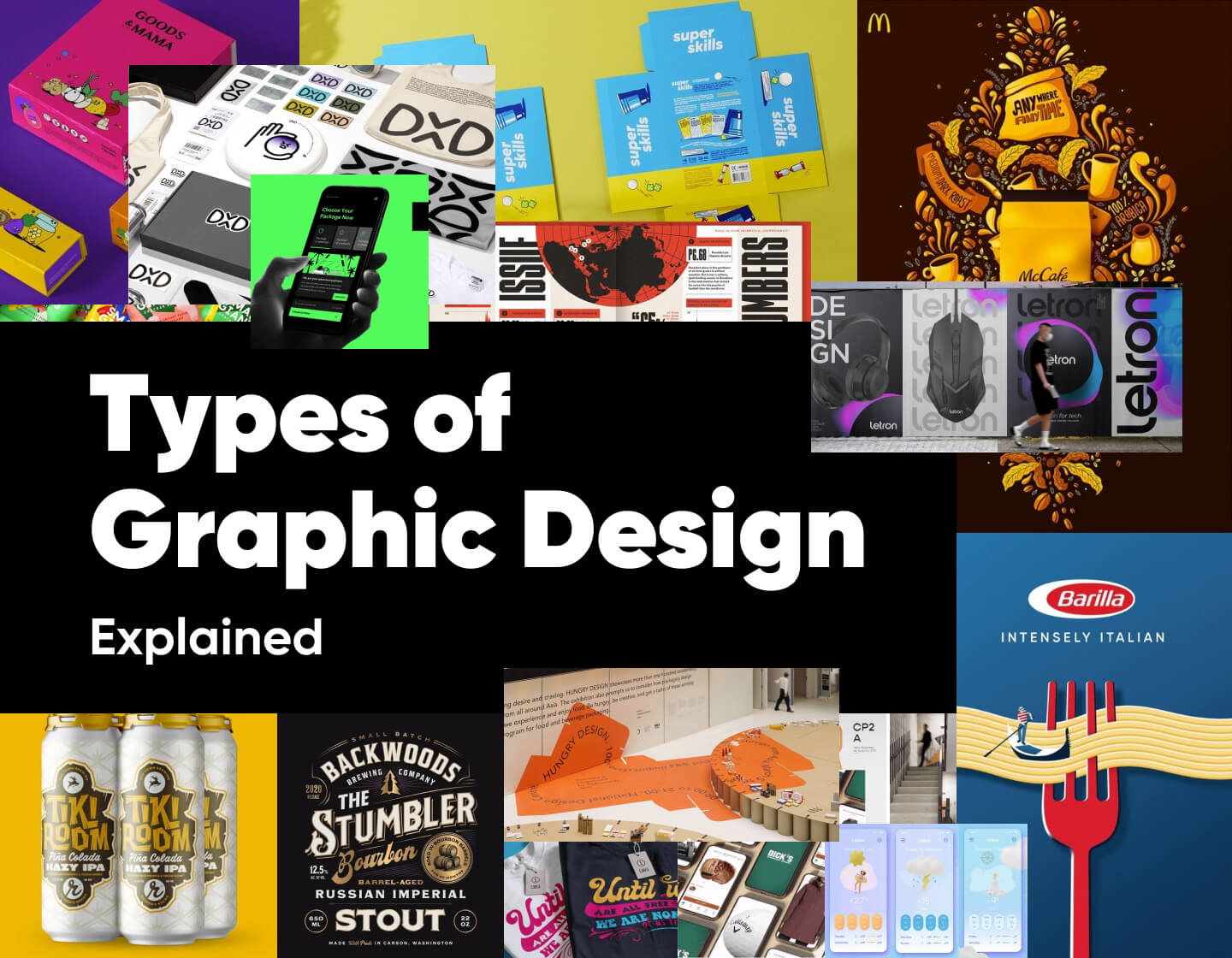
Mesmerizing Design A Coloring Page Scene Nature
Transform your screen with this vivid design a coloring page artwork, a true masterpiece of digital design.
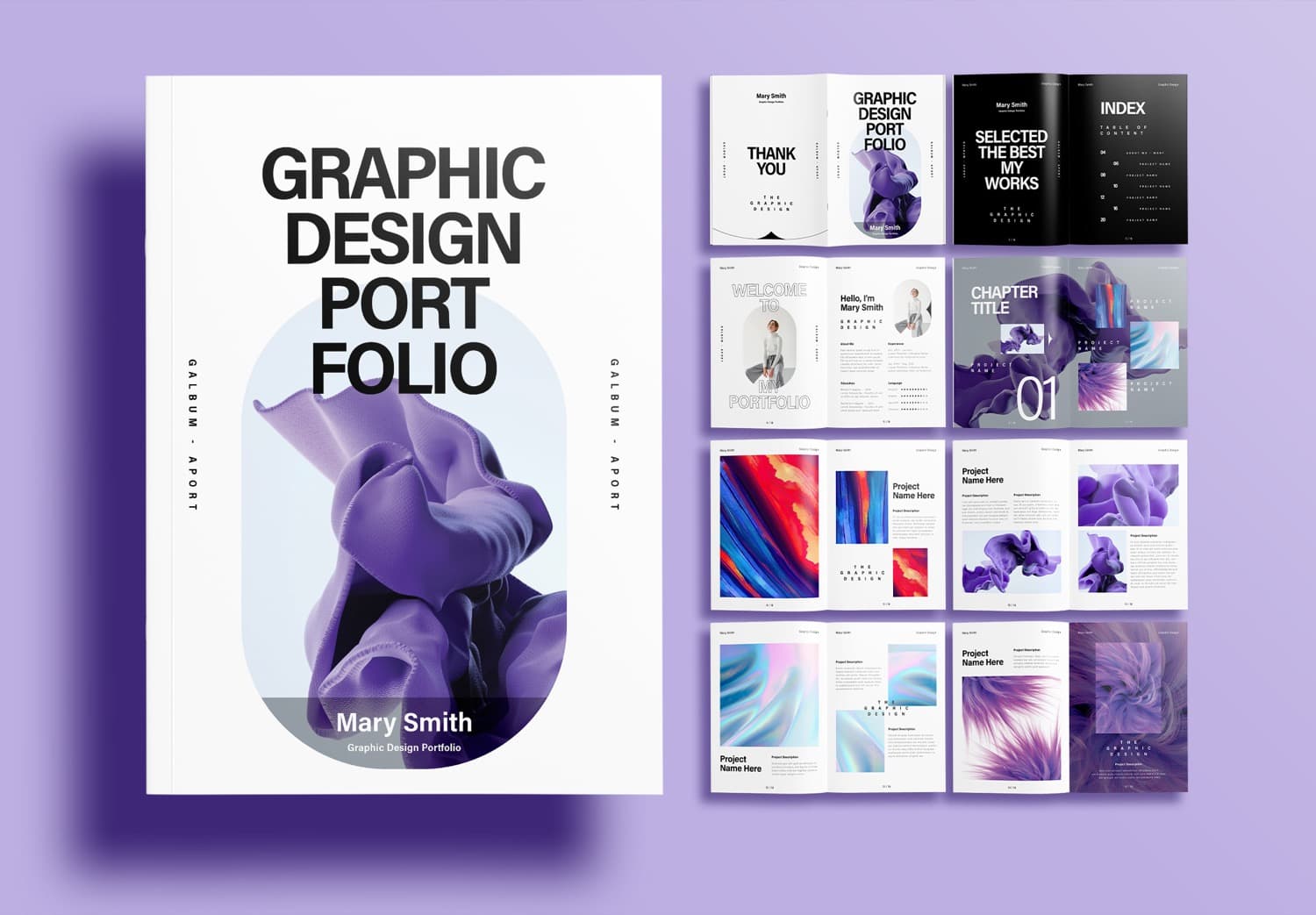
Vibrant Design A Coloring Page Landscape Concept
Experience the crisp clarity of this stunning design a coloring page image, available in high resolution for all your screens.

Mesmerizing Design A Coloring Page Moment Photography
Experience the crisp clarity of this stunning design a coloring page image, available in high resolution for all your screens.

Detailed Design A Coloring Page Wallpaper for Your Screen
Experience the crisp clarity of this stunning design a coloring page image, available in high resolution for all your screens.

Exquisite Design A Coloring Page Photo for Desktop
A captivating design a coloring page scene that brings tranquility and beauty to any device.

Vibrant Design A Coloring Page Photo Collection
Discover an amazing design a coloring page background image, ideal for personalizing your devices with vibrant colors and intricate designs.

Captivating Design A Coloring Page Picture for Desktop
Find inspiration with this unique design a coloring page illustration, crafted to provide a fresh look for your background.
Serene Design A Coloring Page Scene Concept
Explore this high-quality design a coloring page image, perfect for enhancing your desktop or mobile wallpaper.

Dynamic Design A Coloring Page Landscape for Your Screen
Immerse yourself in the stunning details of this beautiful design a coloring page wallpaper, designed for a captivating visual experience.
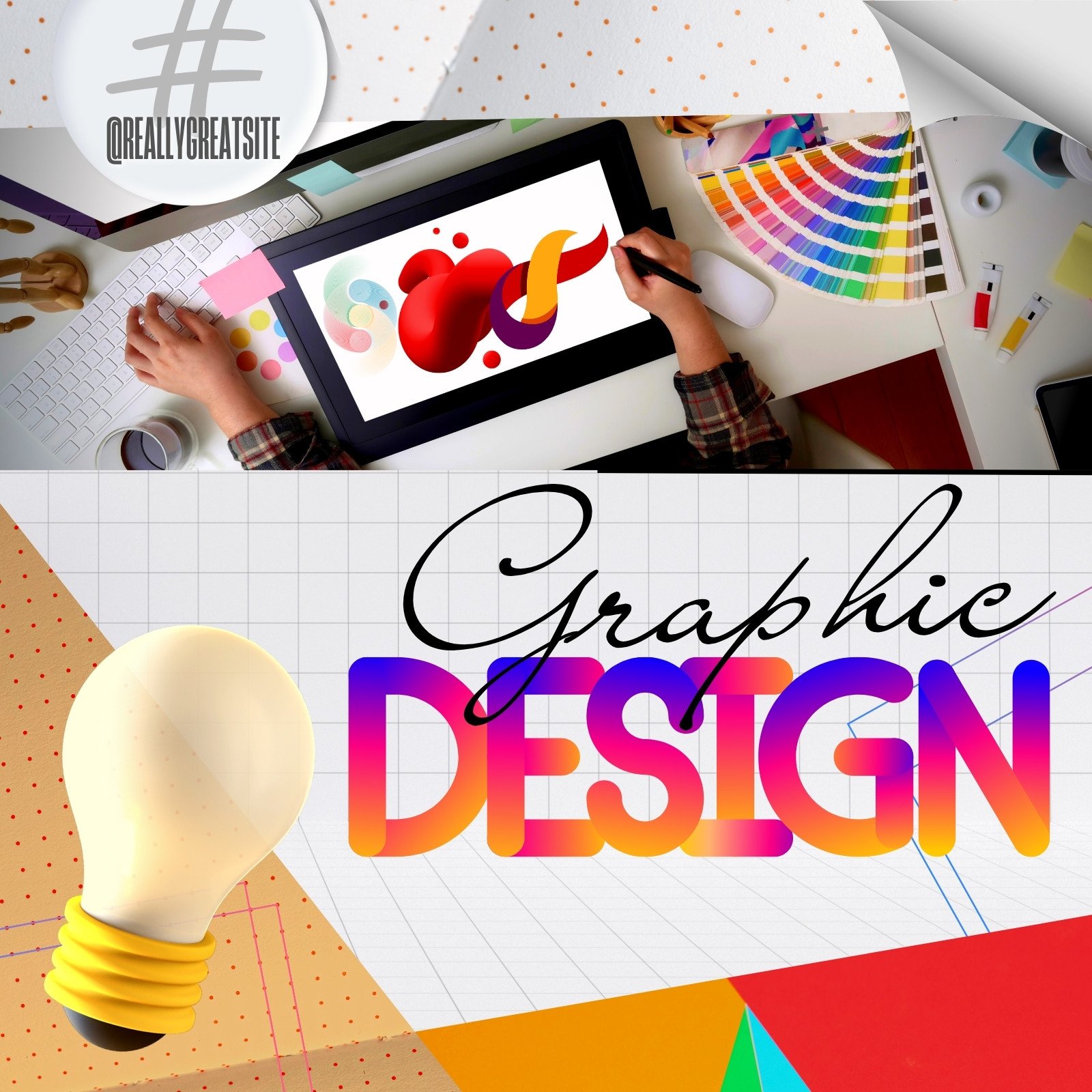
Crisp Design A Coloring Page Moment in HD
Find inspiration with this unique design a coloring page illustration, crafted to provide a fresh look for your background.
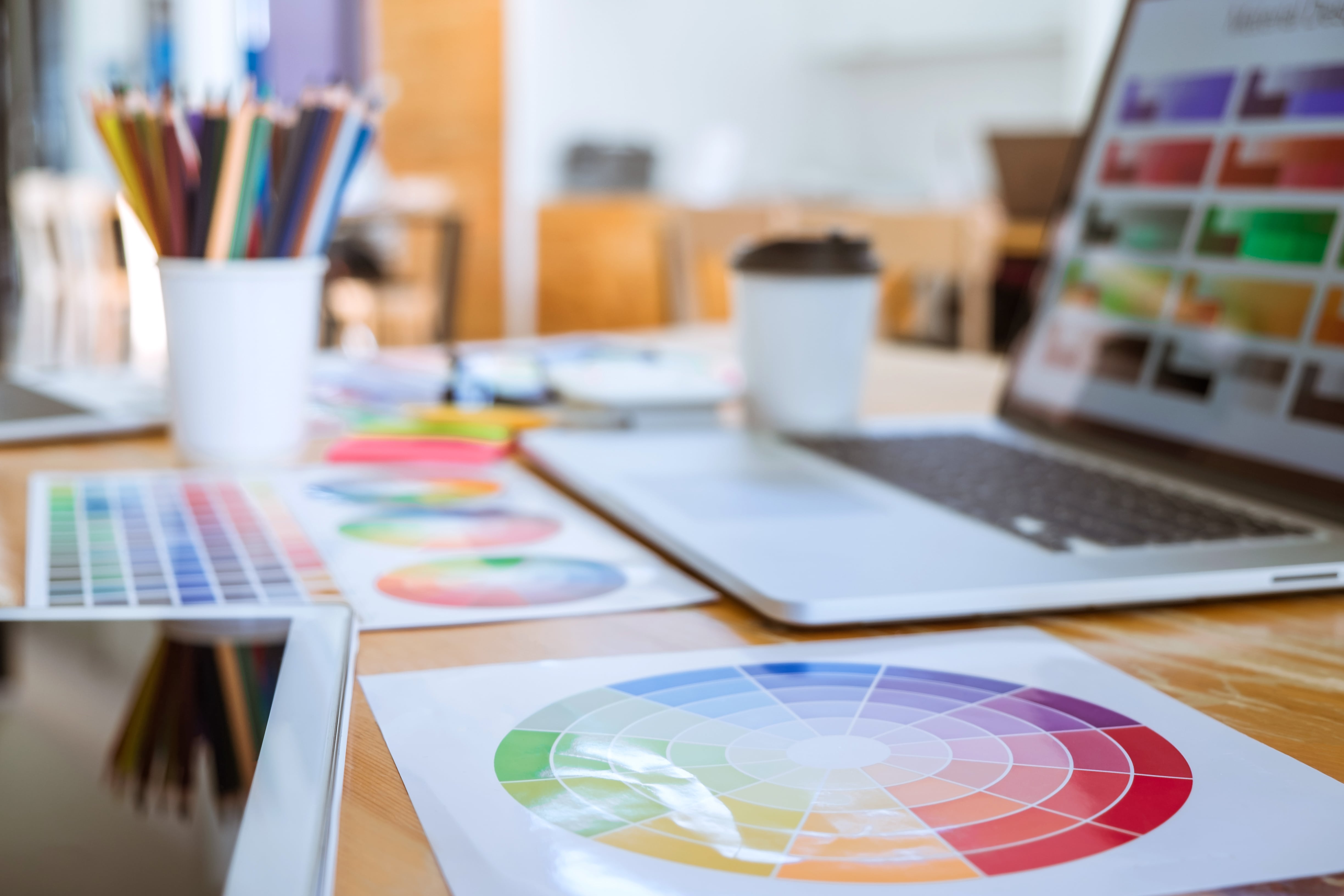
Beautiful Design A Coloring Page Picture Photography
Explore this high-quality design a coloring page image, perfect for enhancing your desktop or mobile wallpaper.

Serene Design A Coloring Page Scene Concept
Discover an amazing design a coloring page background image, ideal for personalizing your devices with vibrant colors and intricate designs.

Crisp Design A Coloring Page Moment for Mobile
Immerse yourself in the stunning details of this beautiful design a coloring page wallpaper, designed for a captivating visual experience.

High-Quality Design A Coloring Page Landscape for Mobile
Discover an amazing design a coloring page background image, ideal for personalizing your devices with vibrant colors and intricate designs.

Captivating Design A Coloring Page Landscape in 4K
A captivating design a coloring page scene that brings tranquility and beauty to any device.

Exquisite Design A Coloring Page Photo Concept
This gorgeous design a coloring page photo offers a breathtaking view, making it a perfect choice for your next wallpaper.

Crisp Design A Coloring Page Capture Art
Find inspiration with this unique design a coloring page illustration, crafted to provide a fresh look for your background.

Crisp Design A Coloring Page Wallpaper for Your Screen
This gorgeous design a coloring page photo offers a breathtaking view, making it a perfect choice for your next wallpaper.

Vibrant Design A Coloring Page Design Illustration
Explore this high-quality design a coloring page image, perfect for enhancing your desktop or mobile wallpaper.
Download these design a coloring page wallpapers for free and use them on your desktop or mobile devices.